Accu-Chek Instant
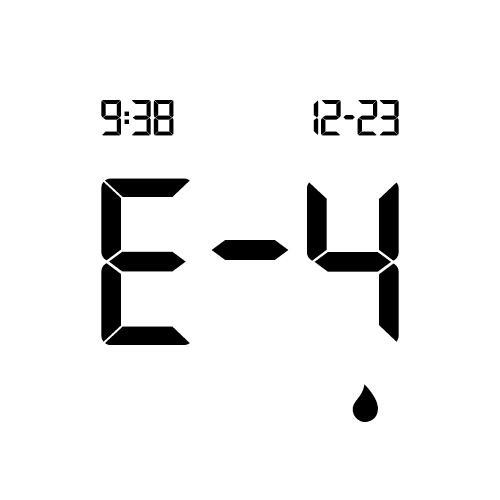
Error codes E-4
Not enough blood or control solution was drawn into the test strip for measurement or was applied after the test had started.
Discard the test strip and repeat the blood glucose or control test.

Not enough blood or control solution was drawn into the test strip for measurement or was applied after the test had started.
Discard the test strip and repeat the blood glucose or control test.

A meter or test strip error has occurred.
This error message could appear if the cap on the test strip container was not closed tightly. The test strips may have been damaged due to improper storage or handling.
Never make therapy decisions based on an error message.
Repeat the blood glucose test. If a second E-3 error message appears, perform a control test with the control solution and a new test strip. See the Performing a Control Test section in the chapter Control Tests within the user manual. If you continue to receive an E-3 error message, use an alternate method for testing your blood glucose, such as a back-up meter and test strip. If the alternate method gives an extremely high blood glucose result, or if an alternate method is not available, contact your healthcare professional immediately.
In rare cases, an E-3 error message may indicate that your blood glucose is extremely high and above the system’s measuring range. See the Unusual Blood Glucose Results section in the chapter Blood Glucose Tests for other possible causes of the error message.

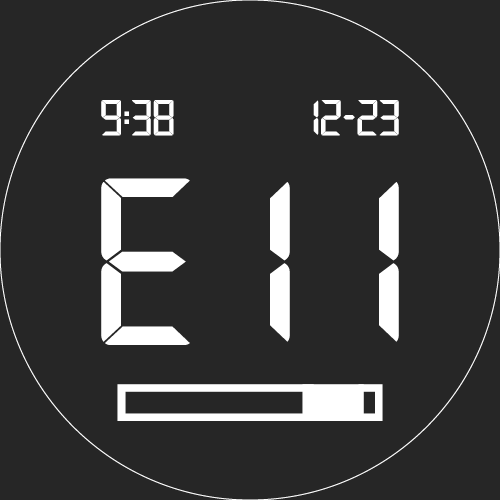
The test strip may be damaged, not properly inserted, or was previously used.
Remove and reinsert the test strip, or replace it if damaged or previously used.

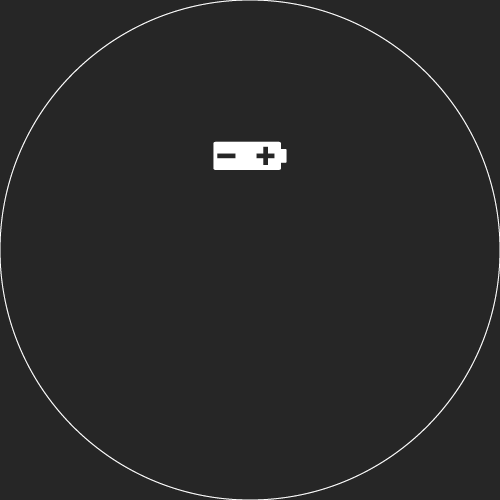
The batteries are almost out of power.
Change the batteries now. If the symbol reappears after the batteries have been replaced, remove the batteries again, press and hold the power/set button for at least 2 seconds, then reinsert the batteries.

Possible Cause: Your batteries are dead.
Solution: Insert new batteries.
Possible Cause: Display is damaged or the meter is defective.
Solution: Contact Accu-Chek Customer Care.
Possible Cause: Extreme temperatures.
Solution: Move the meter to a location within the stated temperature limits in your owner's manual.
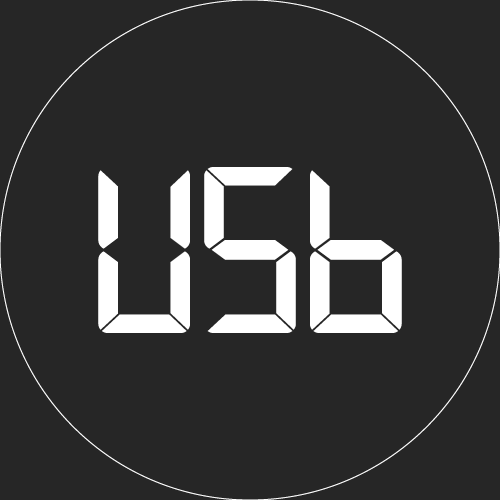
Possible Cause: The meter has timed out with a USB connection.
Solution: Removed the USB cable and press the power/set button to resume testing or review test results.

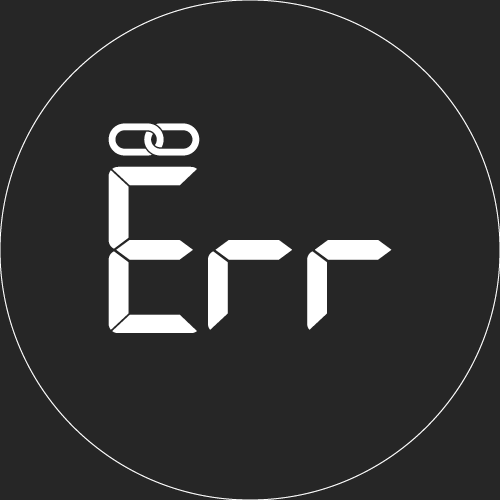
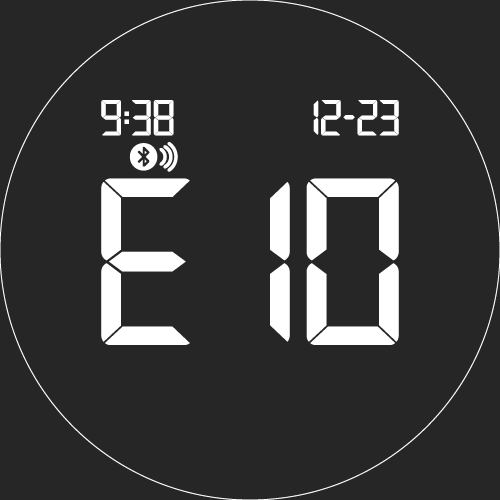
The meter was unable to pair with a mobile device.
Retry the pairing.
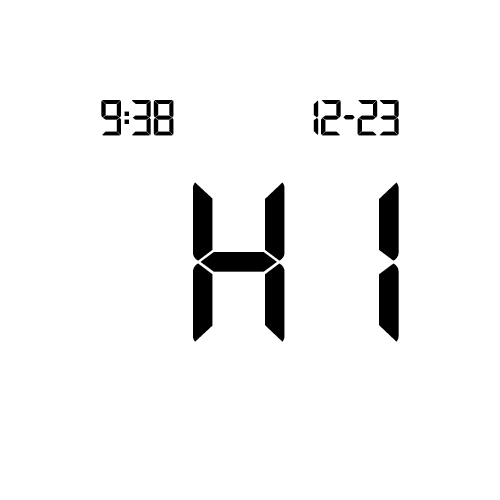
Blood glucose may be higher than the measuring range of the system.
See the "Unusual Blood Glucose Results" section in the user manual.

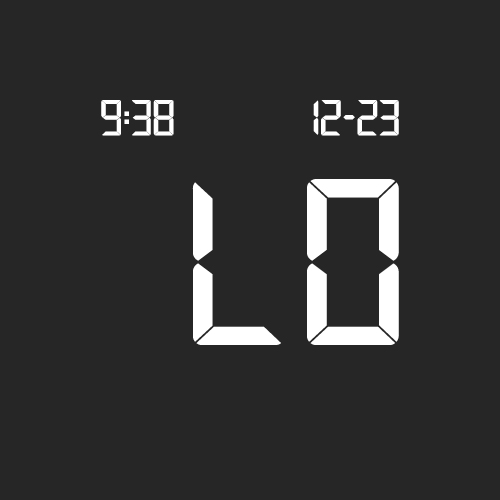
Blood glucose may be lower than the measuring range of the system.
See the "Unusual Blood Glucose Results" section in the user manual.

There are no test results in range for the selected data.

The meter is connected to a PC and a blood glucose or control test cannot be performed.
Either remove the USB cable and perform a blood glucose or control test OR remove the test strip and start a data transfer.