

The mySugr app uses data from your sensor to monitor your glucose. The sensor only works with the mySugr app. Please complete the steps below before you apply the sensor.



Watch the video tutorial to download the mySugr app

Here’s how to download and set up the mySugr app
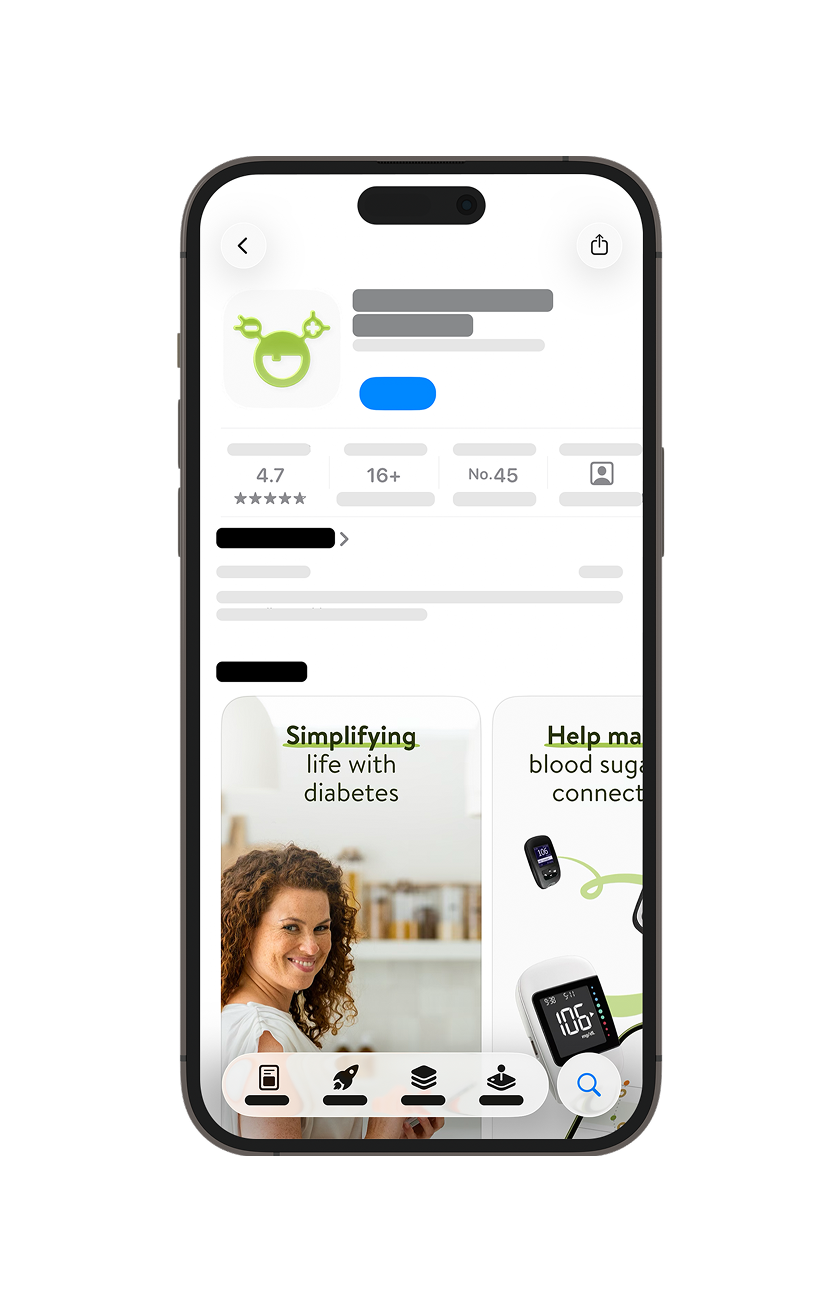
Download the mySugr app
Go to the Google Play Store or Apple App Store to download the mySugr app
How to Set up your account in the mySugr app


Welcome to your new account!
You can now log in to your account with the credentials you just created.
Personalize your mySugr app
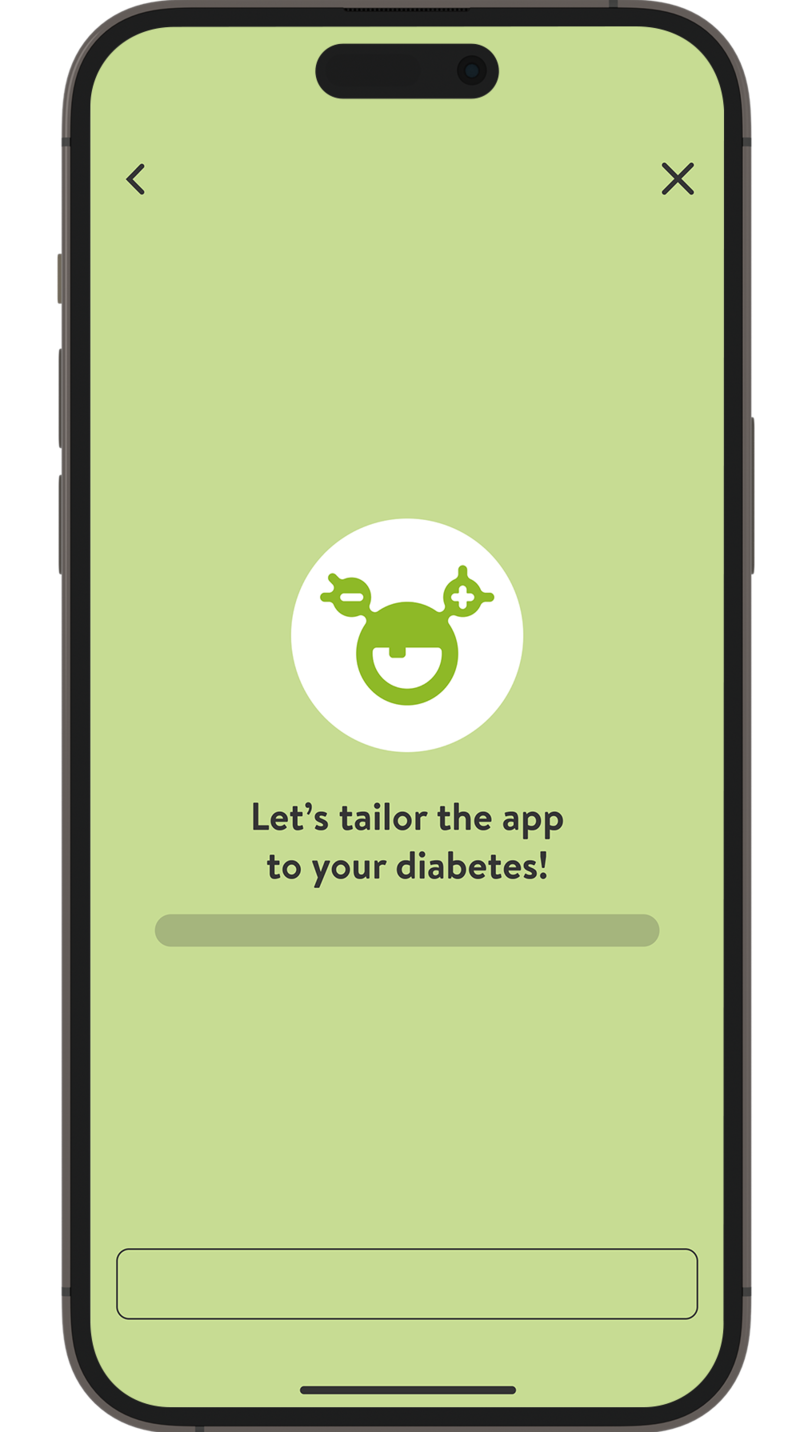

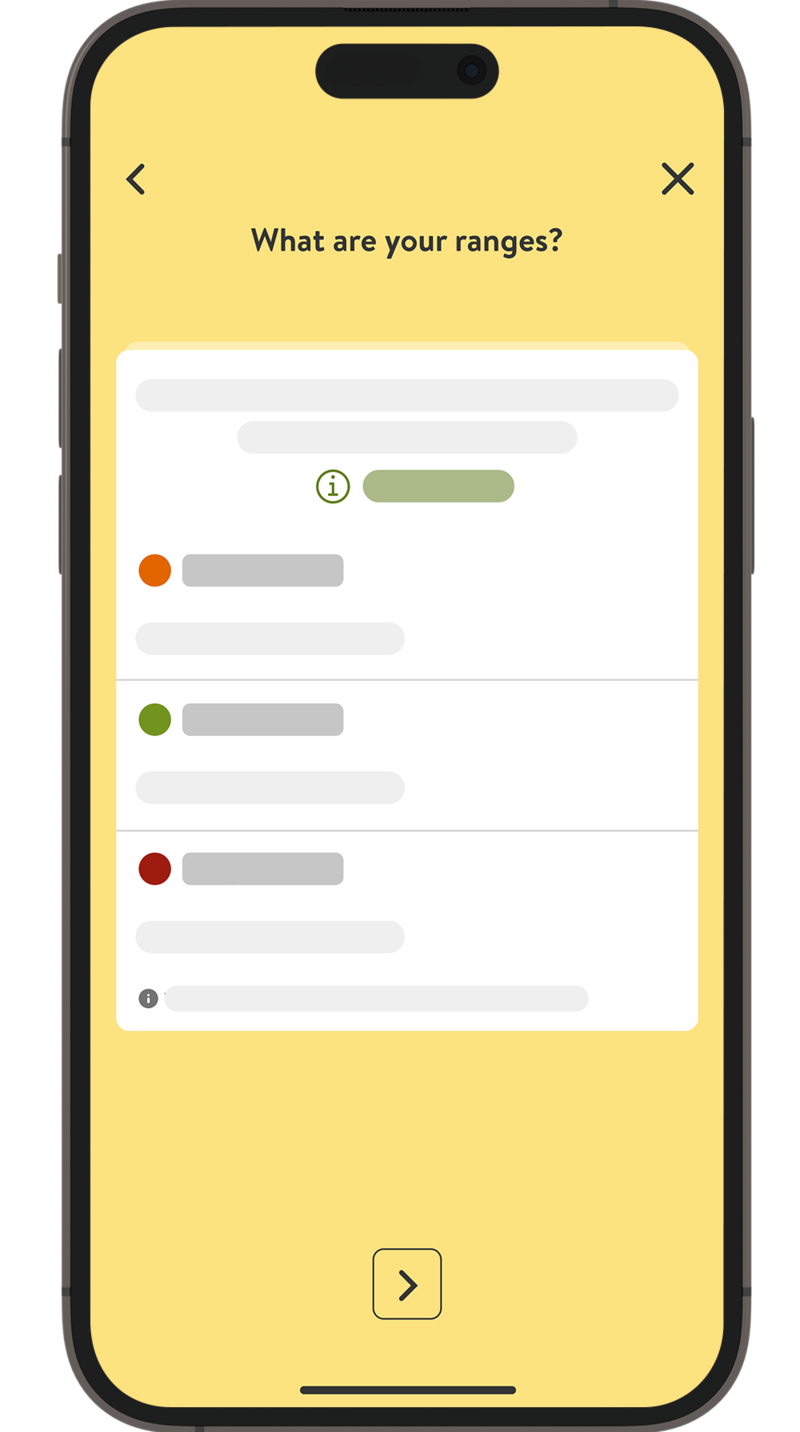


Congratulations! You are done!

Next up, learn how to apply your SmartGuide CGM sensor.
How helpful did you find this training?
Continue Training
Next step

Accu-Chek Newsletter
Stay informed about diabetes
Get diabetes management tips and news delivered right to your inbox.