

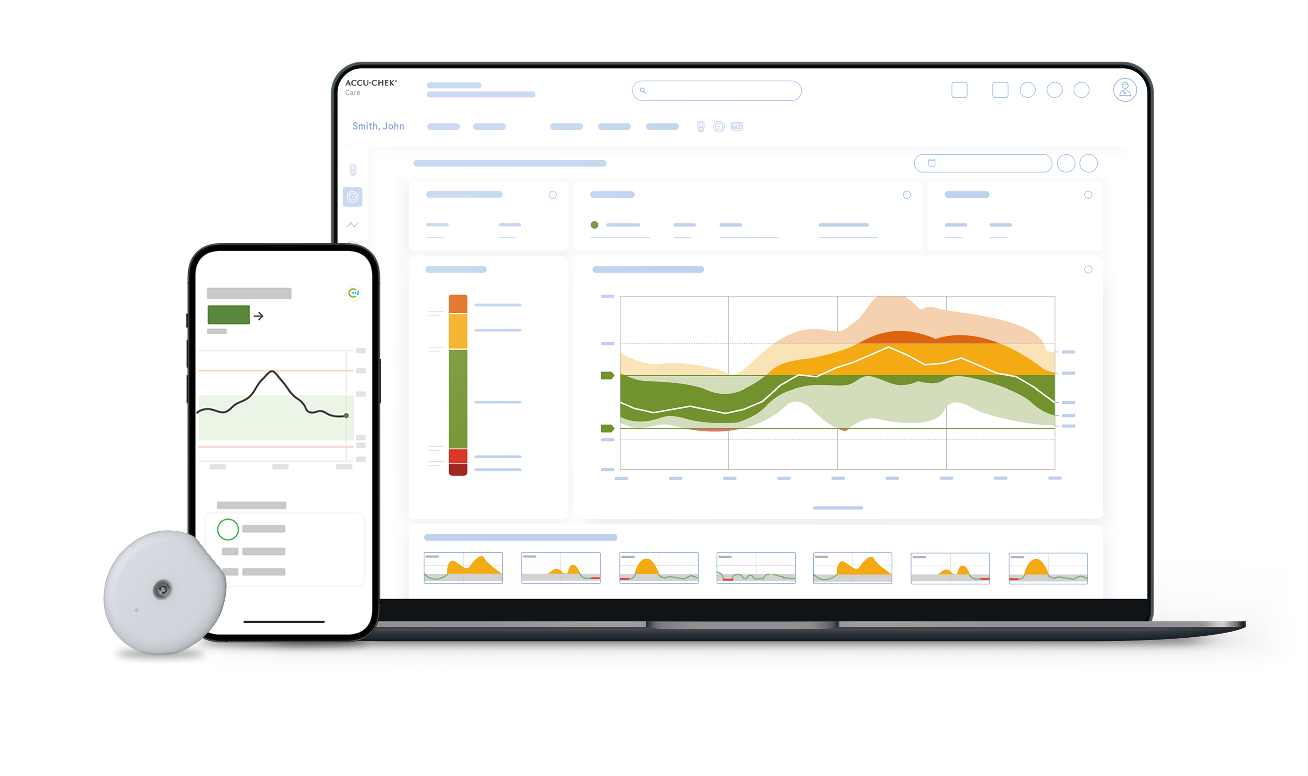
The mySugr app continuously saves your CGM data in your Accu-Chek account, whether it’s entered automatically or manually. You can share your data with your healthcare provider, who can access it through the Accu-Chek Care platform web portal after you grant them access.
All data stored in your Accu-Chek account is encrypted to prevent access by unauthorized third parties.
mySugr Glucose Insights exchanges the following data with Accu-Chek Care:
- CGM data.
- mySugr Logbook data.
- Error messages.
- Maintenance messages.
- Warnings.
- User settings (for example, target ranges).
mySugr Glucose Insights restores the last 6 months of data from your Accu-Chek account when you sign in.
How to share your mySugr app data with your healthcare provider
It only takes a few steps to connect your Accu‑Chek SmartGuide CGM solution to Accu‑Chek Care and start sharing data with your healthcare team. To grant your healthcare provider access to your CGM data in your Accu-Chek account, you need to be logged in to your account.
- On the app Home Screen, tap Menu and navigate to the App Settings.
- Go to Account and select Manage Account. You will be directed to your Accu-Chek account.
- In your Accu-Chek account, navigate to the Sharing tab, and choose Manage Shared Data.
- Select Generate code. The generated code is case-sensitive. Please only share this private code with your healthcare provider.
After the connection has been successfully established, the link to your healthcare center will be displayed in your Accu-Chek account.
That’s it! You are ready to share your CGM data with your diabetes care team so they can view your activity.
If you need support, please visit support.rochediabetes.com/careplatform.
Next up, how to read and interpret the Ambulatory Glucose Profile (AGP) report.
How helpful did you find this training?
Continue Training
Previous step

Accu-Chek Newsletter
Stay informed about diabetes
Get diabetes management tips and news delivered right to your inbox.