

Stay informed about your glucose levels and trends with customizable notifications, which may help you spend more time in your target range.1 mySugr Glucose Insights uses a range of push notifications to help you know when your glucose needs attention. You can personalize them to meet your needs, so you’re always in control.
Why are notifications important?
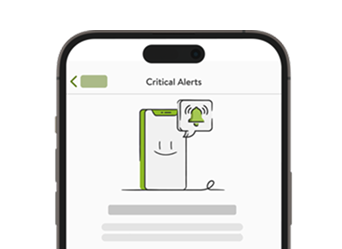
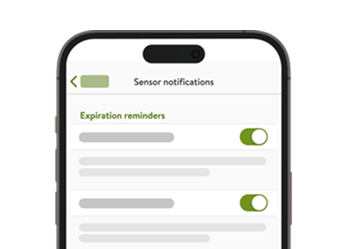
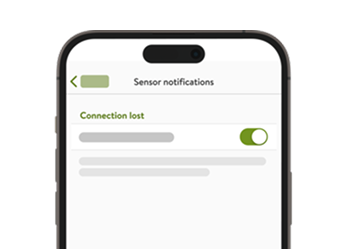
Responding quickly and correctly to changes in your glucose is an integral part of diabetes therapy. Keeping the app notifications enabled helps you get the best support from your Accu-Chek SmartGuide CGM solution. You can view and customize alarms and reminders in the Menu.

How to enable notifications
- Tap the Notifications option in your smartphone settings. In the app, enable Notifications and Critical Alerts for iOS and Do Not Disturb Override for Android.
- Navigate back to the mySugr app. An icon in the top right corner of the Home screen shows whether your notification settings are preventing you from receiving alerts.
The icon can have different states depending on which alarms are currently on or off. Here are some icon states as an example:
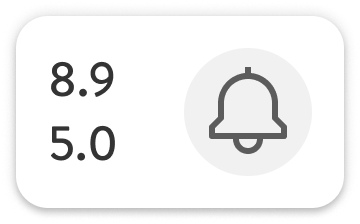
Your alarm profile is on. Your high and low alarms are on and their alarm values are indicated next to the bell icon.
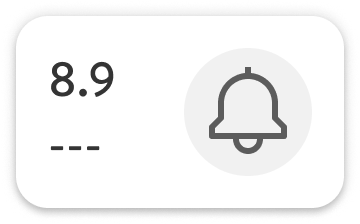
Your alarm profile is on. Your high alarm is on while your low alarm is off.
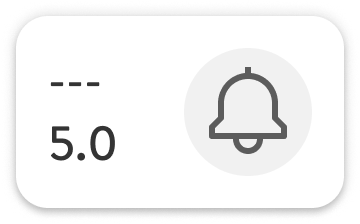
Your alarm profile is on. Your high alarm is off while your low alarm is on.
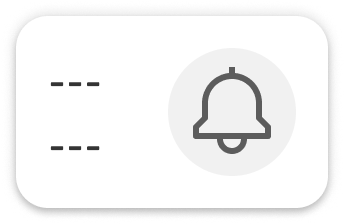
Your alarm profile is on. Your high and low alarms are off.
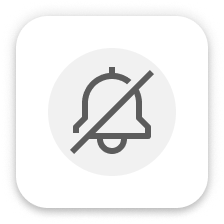
Your alarm profile is off.
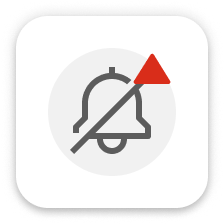
Even though your alarm profile is on, something’s wrong with the notification settings of your operating system. Make sure you turn on notifications in your phone settings to receive app notifications and alarms.
Alarm types and reminders
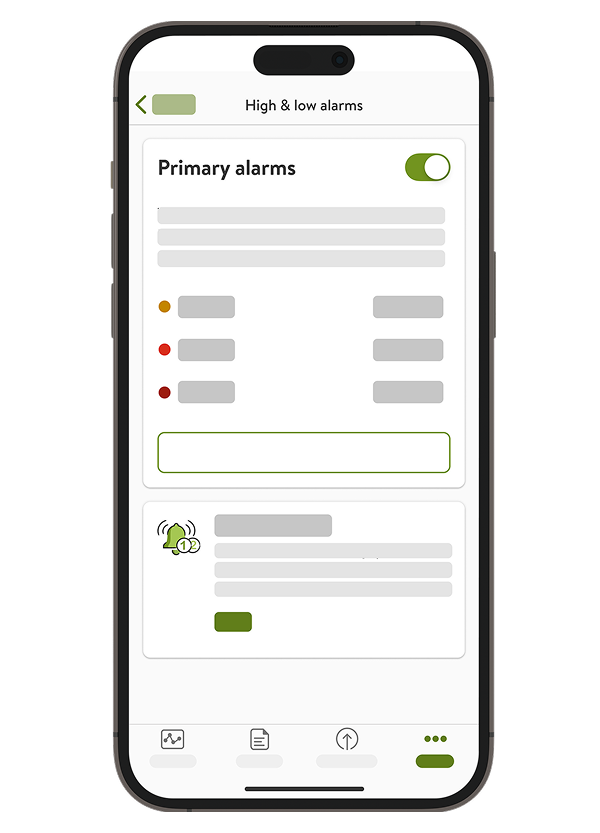
Glucose Alarms
Set alarms for glucose levels higher or lower than your target range.
- Glucose Alarms are enabled by default but can be disabled. Turning the alarms off is not recommended for safety reasons.
- You can choose the values that trigger the alarms, but the very low glucose value is fixed at 3.0 mmoI/L.
- The alarms prompt you to respond when your glucose exceeds your defined limits.
- You can choose a different glucose limit for times when you are asleep. Secondary alarms allow you to set different alarm levels for a certain time frame, such as during the night.
Predictive features
Low Glucose Predict feature
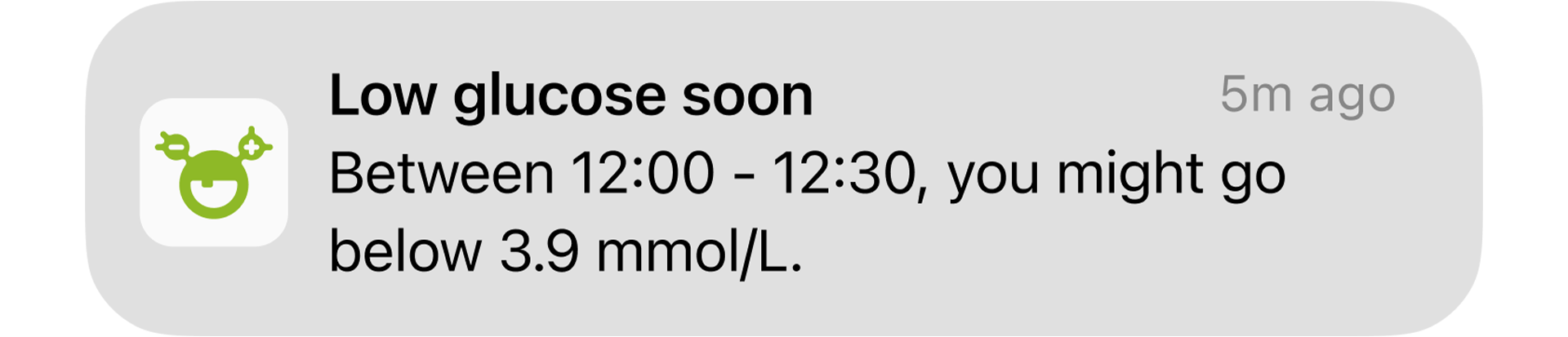
The Low glucose Predict feature tells you if mySugr Glucose Insights predicts you might go low within 30 minutes. "Going low" means your glucose could drop below your set low glucose alarm value.
The low glucose might occur at any time in the next 30 minutes. To receive the notifications that warn you of an upcoming hypo, you must have the prediction notifications enabled in mySugr Glucose Insights. You should make sure that your phone will display these notifications while the app runs in the background.
A push notification will be sent once the probability of low glucose is detected. You can customize the threshold for the notification from 3.3 to 5.5 mmol/L using the Low glucose alarm setting in the Therapy Settings of mySugr Glucose Insights.
- The notification is intended to prompt you to stop what you’re doing and consider corrective action. Check the situation immediately and decide if and how much carbohydrate intake is needed.
- It is enabled by default but can be turned off in More > CGM settings > Alarms > Prediction alarms.
- When you tap the notification, you will see more information and suggestions for what you can do.
- The Low Glucose Predict feature works only when your low glucose alarm in the mySugr Glucose Insights is set between 3.3 mmol/L and 5.5 mmol/L. For settings above this range, the Predict feature will be inactive.
Acting immediately could help reduce the length and depth of hypoglycemia.
If you receive a Low glucose soon! notification while driving, you should stop as soon as possible and check whether carbohydrate intake is needed.
The Low glucose prediction is always active, but with the following exceptions;
- At least 10 minutes of uninterrupted CGM values
- Your low glucose alarm value is set above 5.5 mmol/L.
- 20 minutes after you logged a carb intake in the mySugr Logbook.
- 30 minutes after your last glucose prediction and the last Low glucose soon notification were sent.
- Your glucose is already below the low glucose alarm value you set for your low alarms.
Your Low glucose soon card on the Home screen disappears after 15 minutes if the probability of having low glucose soon no longer exists.
Night Low Predict feature
The Night Low Predict feature shows your risk of night-time hypoglycemia and suggests preventive action. The prediction is based on your glucose values and trends, nightly hypoglycemia history, and insulin entries in the logbook.
How to use predictions at night
You can set up a notification for high-risk nights
You can receive a notification if there’s a high or very high risk of low glucose during the night. Simply select your typical bedtime for the week, and the reminder will appear on your lock screen between 21:00 and 02:00, as long as notifications are enabled. Go to More > CGM settings > Alarms > Prediction alarms to manage this notification.
Between 21:00 and 02:00, the Home screen shows your risk of low glucose for 7 hours during the night. For this feature, a low glucose value is defined as being below 3.9 mmol/L regardless of your personal Low Glucose threshold.
Enabling Night low predict
- Tap the Enable Night low predict card.
- Tap Next and Next, then turn on the notification toggle. Tap Next again.
- Enter the time you want to be notified. Select a time that is at least 20 min after your last meal and insulin intake of the day and before your bedtime.
- Tap Done.
You can proactively check the prediction between 21:00 and 02:00
If the risk of low glucose levels is different between the early night (first 3.5 hours) and the late night (last 3.5 hours), the prediction will highlight the period with higher risk.
The probability of having low glucose during the night is divided into 3 different risk levels, with a different color representing each level:
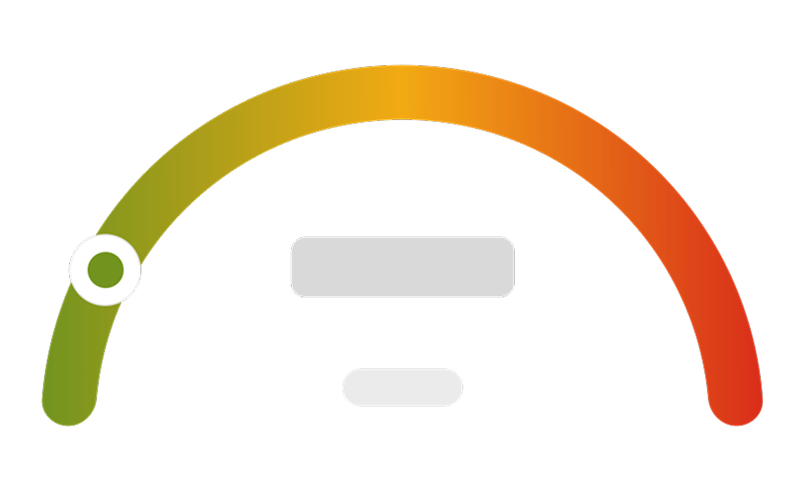
Normal risk
Green: Average risk of low glucose < 30%
A normal risk means that you have an average risk of having low glucose at night. You can prepare for bedtime in the same way as you usually do.
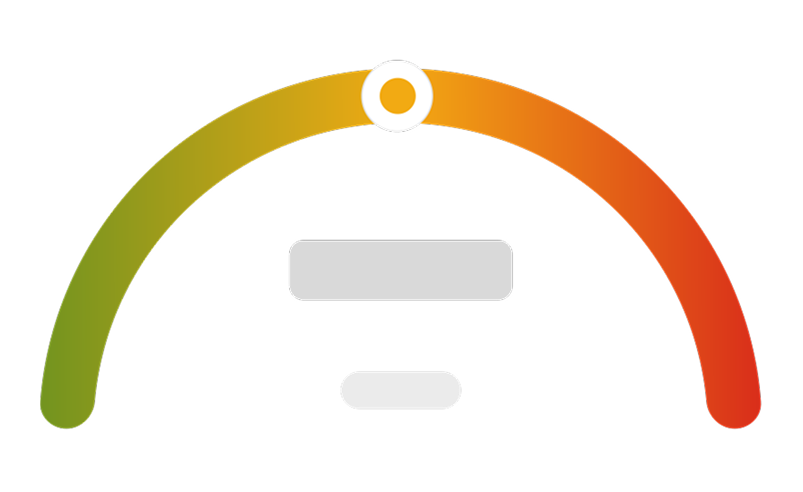
High and very high risk
Yellow: Higher than average risk of low glucose 30-60%
A high or very high risk means that you can decide whether to consume long-acting carbohydrates with proteins and fat, and/ or reduce your basal insulin or basal rate before you go to bed.
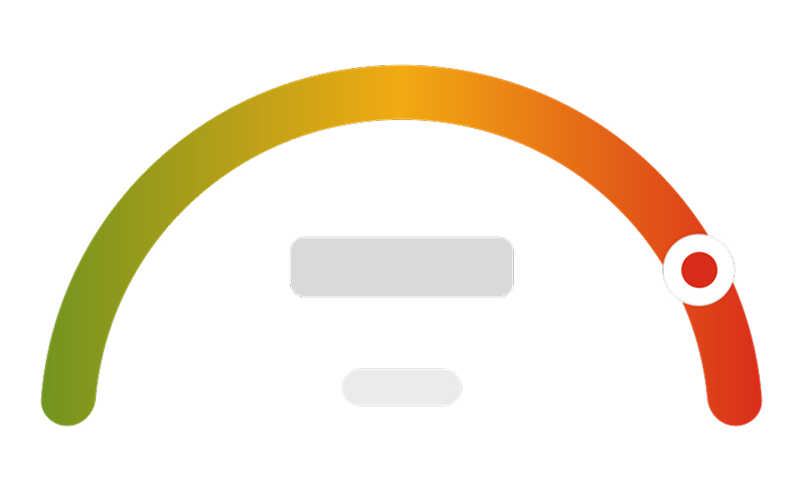
Very high risk
Red: Very high risk of low glucose > 60%
The action you take will depend on your diabetes therapy, personal experience, and whether the low is predicted for the first 3.5 hours or last 3.5 hours of the night. In case of doubt, discuss the appropriate action with your diabetes care team.
Ensure the Very Low Glucose Alarm and Low Glucose Alarm are activated in the mySugr app during the night.

If the app predicts your glucose might go low overnight (high or very high chance) and the alert is on, a notification will appear on your phone's lock screen. A 'Nightlow predict' card will also display below the graph on the main screen. To manage this alert, go to More > CGM settings > Alarms > Prediction alarms.
You’re all set! Next, learn more about the Glucose Patterns.
References:
- American Diabetes Association Professional Practice Committee, ElSayed NA, McCoy RG, Aleppo G, Balapattabi K, Beverly EA, et al. 6. Glycemic Goals and Hypoglycemia: Standards of Care in Diabetes—2025. Diabetes Care. 2025 Jan 1;48(Supplement_1):S128–45.
How helpful did you find this training?
Continue Training
Previous step

Accu-Chek Newsletter
Stay informed about diabetes
Get diabetes management tips and news delivered right to your inbox.