

Pair the Accu-Chek SmartGuide sensor and the mySugr app
Before you start the pairing process, make sure your mobile phone has Bluetooth® and location services enabled and is discoverable by other devices. To complete the pairing process, you’ll need the applicator's twist cap, which has a serial number and a 6-digit PIN code printed on it.
Watch the video tutorial to pair your CGM sensor
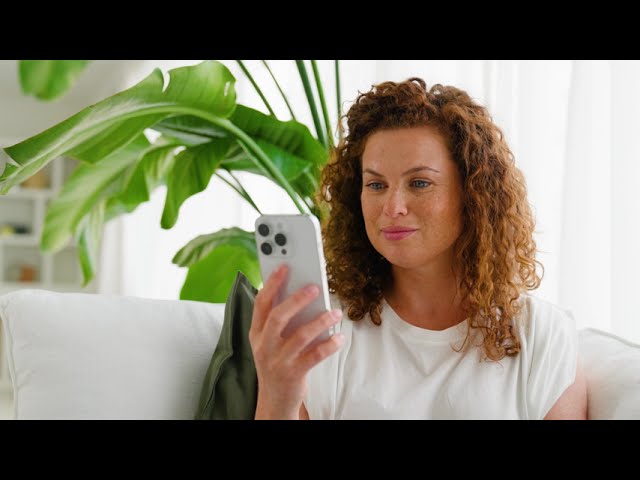
How to pair the sensor with the app

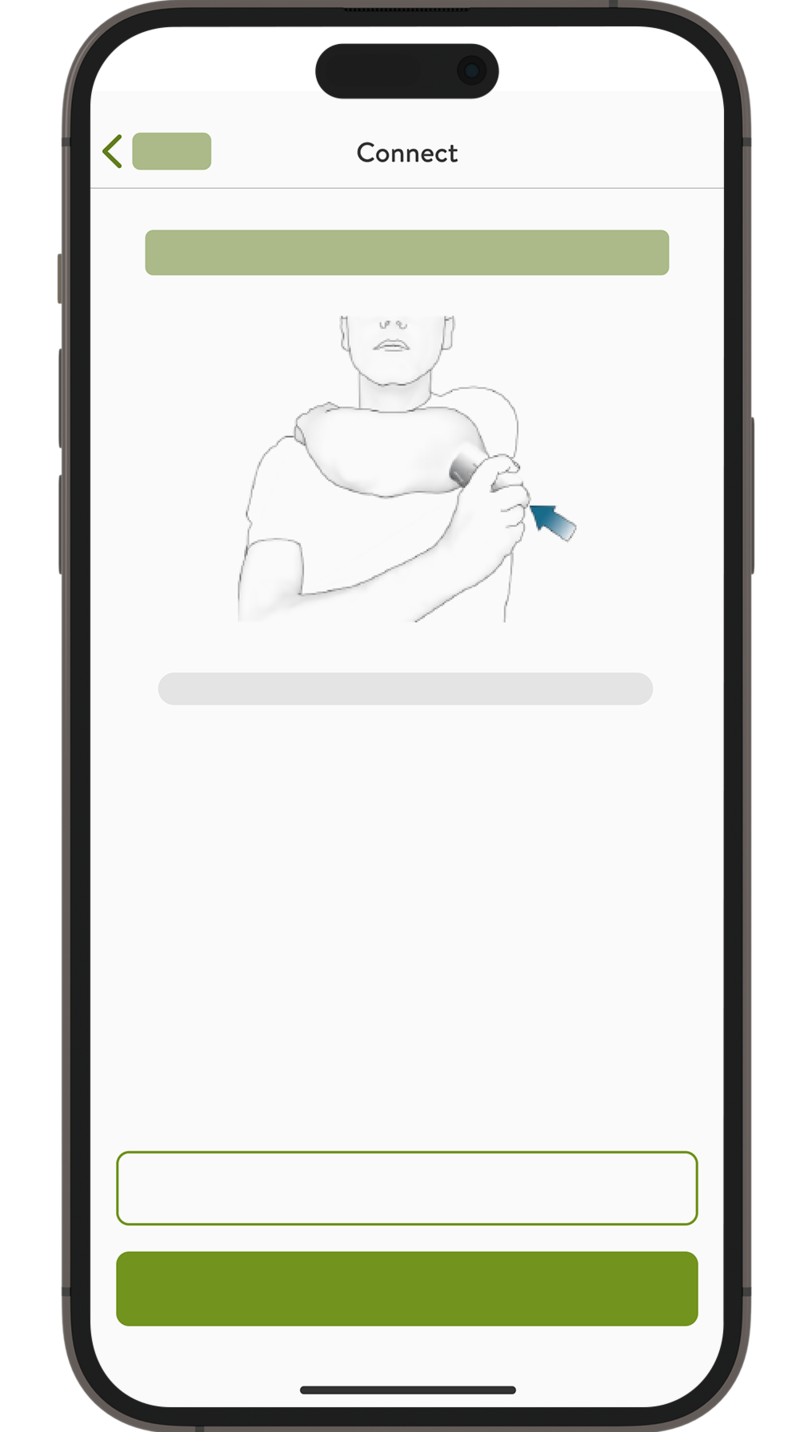
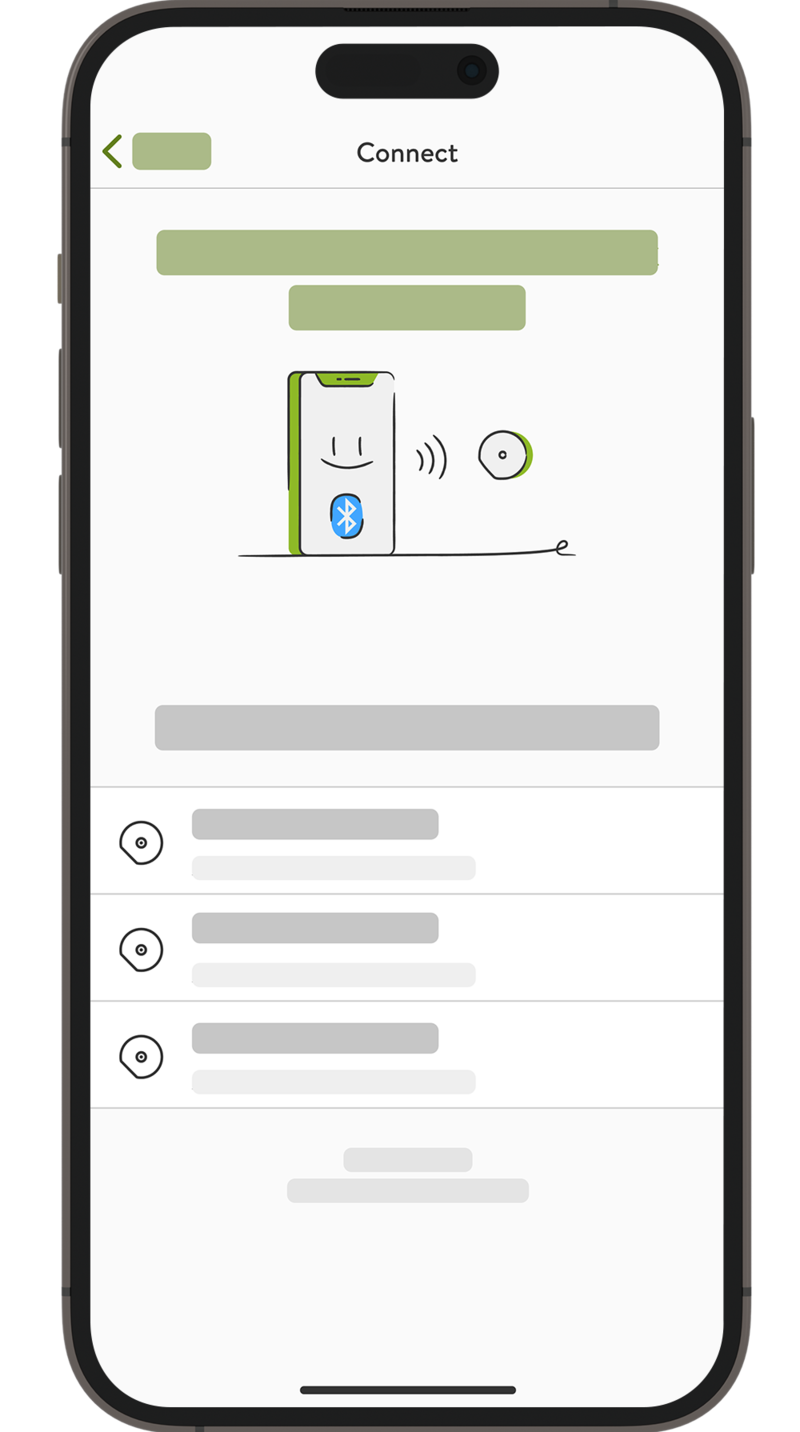

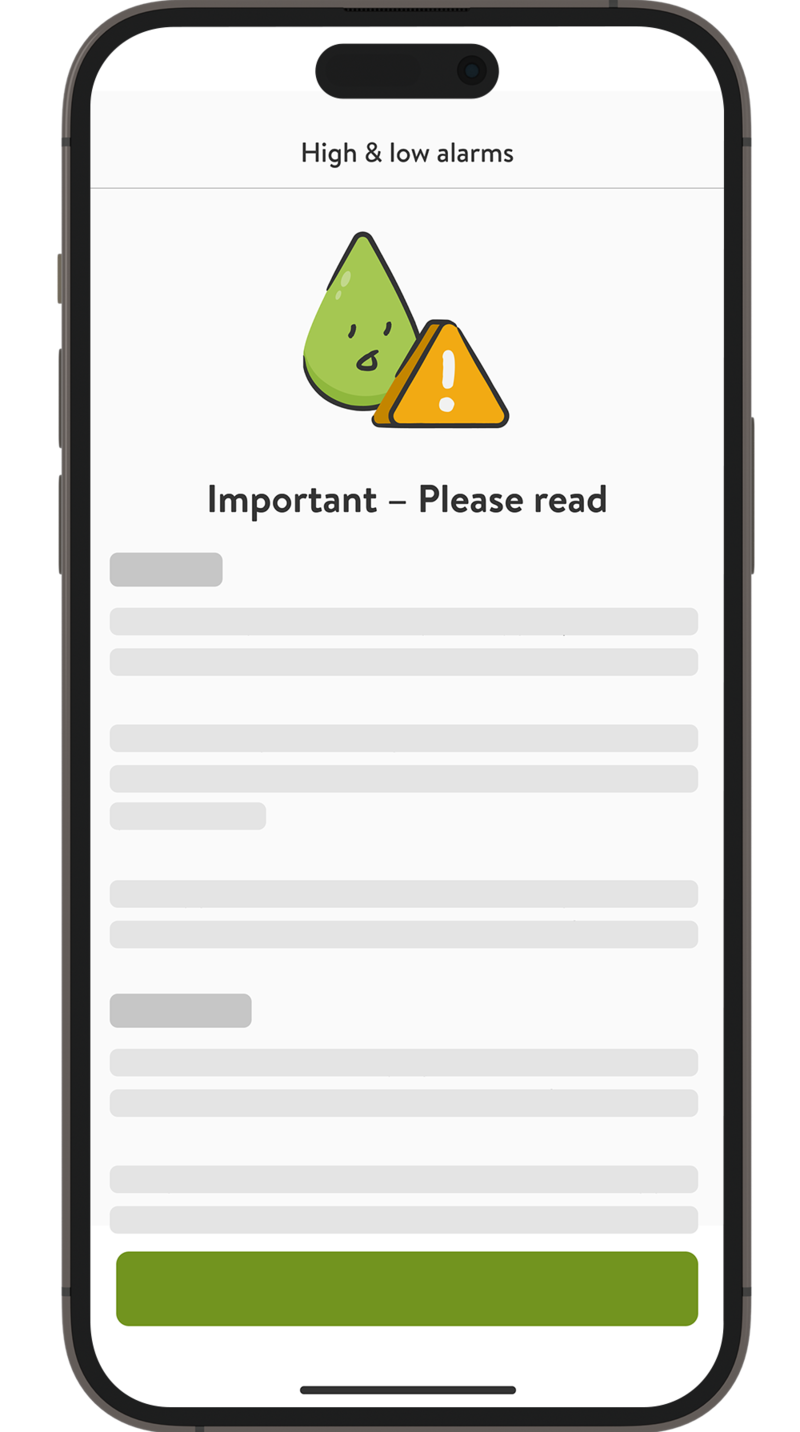
Congratulations! The pairing is complete!
Once pairing is complete, you will start receiving glucose values and notifications after a 1-hour warm-up period.
After pairing your sensor for the first time
- You can tap on “Next” to review important therapy information.
- As a next step, you can set high & low alarms for your CGM values and enable critical alarms.
- Finally, the app will now guide you through more information on current CGM values, accurate CGM values, past CGM values, entries from the mySugr Logbook, future CGM values, your next 2 hours, and values outside of the graph.

The sensor is now successfully connected to the mySugr app! Next, see how to calibrate your sensor.
How helpful did you find this training?
Continue Training
Previous step

Accu-Chek Newsletter
Stay informed about diabetes
Get diabetes management tips and news delivered right to your inbox.